Free · Offline · No account

Become the expert
of your own body.

Nobody feels what you feel. Mobility Log is the ultimate tracking tool for mobilization training — film your sessions, capture insights the second they happen, map your pain in 3D, and let the evidence pile up until you know your body better than anyone.

Your data never leaves your device. No sign-up, no cloud, no tracking.

Why Mobility Log

Everything you feel, on the record

Sensations fade in minutes. A distraction-free camera diary, a 3D pain map and distilled outcomes turn them into knowledge you can act on.

One screen. Zero friction.

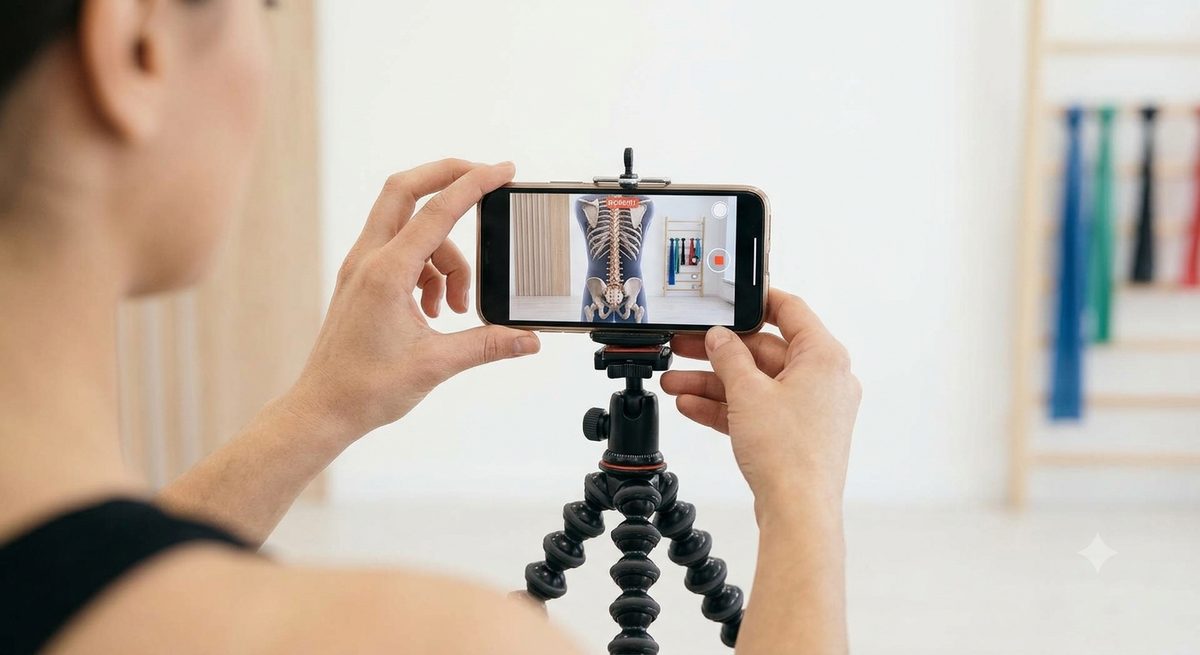
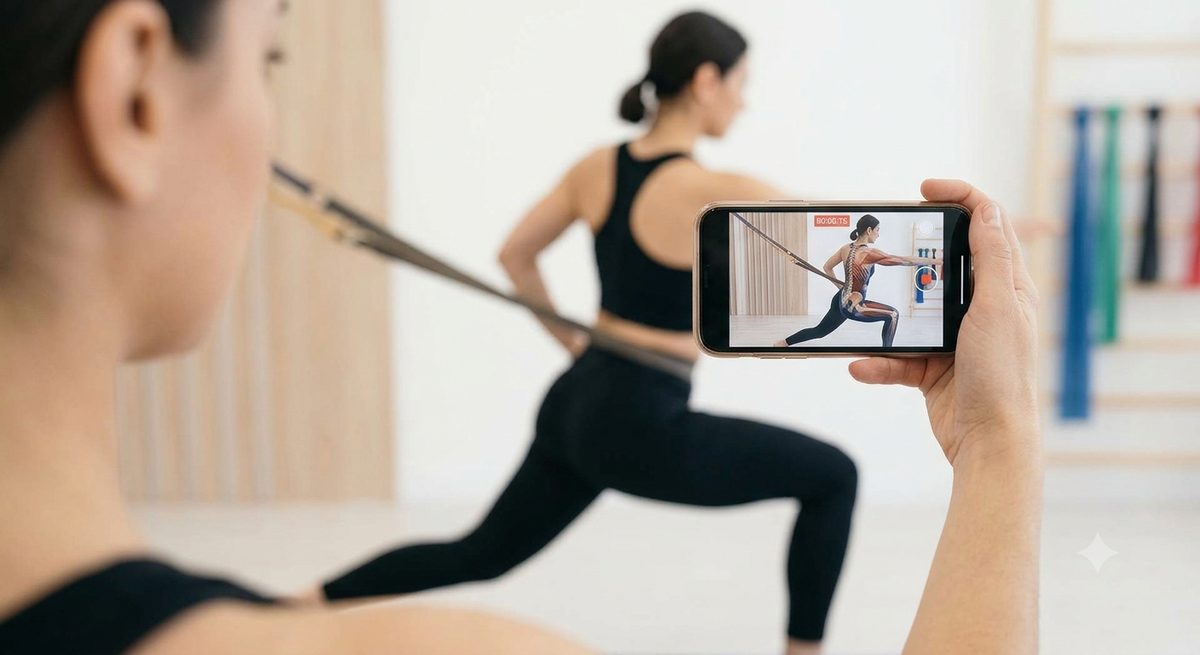
Training mode is a camera, a record button and a note field. Nothing competes with your focus mid-movement.

Catch insights as they happen

Observations are timestamped into the session the moment you type them. Pin the best ones as key outcomes — your personal body manual.

"When I pull my arms together, the ribcage opens."

Map your pain in 3D

Rotate a body model and tap the exact spot — down to pec, shoulder blade or thoracic spine. Rate it 0–10, done. Every new challenge starts with a baseline check-in and even names itself from the affected area.

See patterns, not guesses

A GitHub-style activity heatmap tracks your consistency; a body heatmap shows where pain clusters. Tap any region to see which challenges relate to it — clips included.

Video evidence, searchable

Clips and photos attach to every session. Full-text search across names, briefings, outcomes and observations — and the matching footage plays right from the results.

Export briefings that teach

One tap builds a markdown summary — briefing, key outcomes, progress, pain history and every observation — plus all clips and photos as files. For one challenge, a hand-picked set, or everything tied to a body region.

No accountNo cloudWorks offlineInstalls to your home screen
3D pain check-in

Know exactly where it hurts — and what helps

Pinpoint, don't describe. "Somewhere in my upper back" becomes a tap on the shoulder blade of a rotatable 3D model, with a 0–10 rating and a note about the trigger.

Watch it change. Every check-in feeds a front/back body heatmap. Areas that hurt often and hard glow deepest — and fading color is progress you can see.

Connect pain to practice. Tap a glowing region and Mobility Log shows the challenges linked to it, their pain averages and the video clips that go with them.

One-tap briefings

Group any challenges into one informative summary

Pick them yourself… Hit Select on the overview, check any challenges and create a combined report — briefings, key outcomes, every observation, the full pain history and all clips, grouped per challenge.

…or let your body pick. Tap a region on the pain map — say, the right pec — and generate a summary of every challenge tied to that exact spot, titled and focused accordingly.

Take it anywhere. Download the whole thing as a markdown briefing plus all footage as files — ready for your coach, your physio, or future you.

How it works

Three steps, no manual needed

Designed so the app disappears and the training stays.

Check in

Create a challenge — no name needed. Mark your baseline pain on the 3D model and it names itself: "Left shoulder blade mobility".

Train with the camera

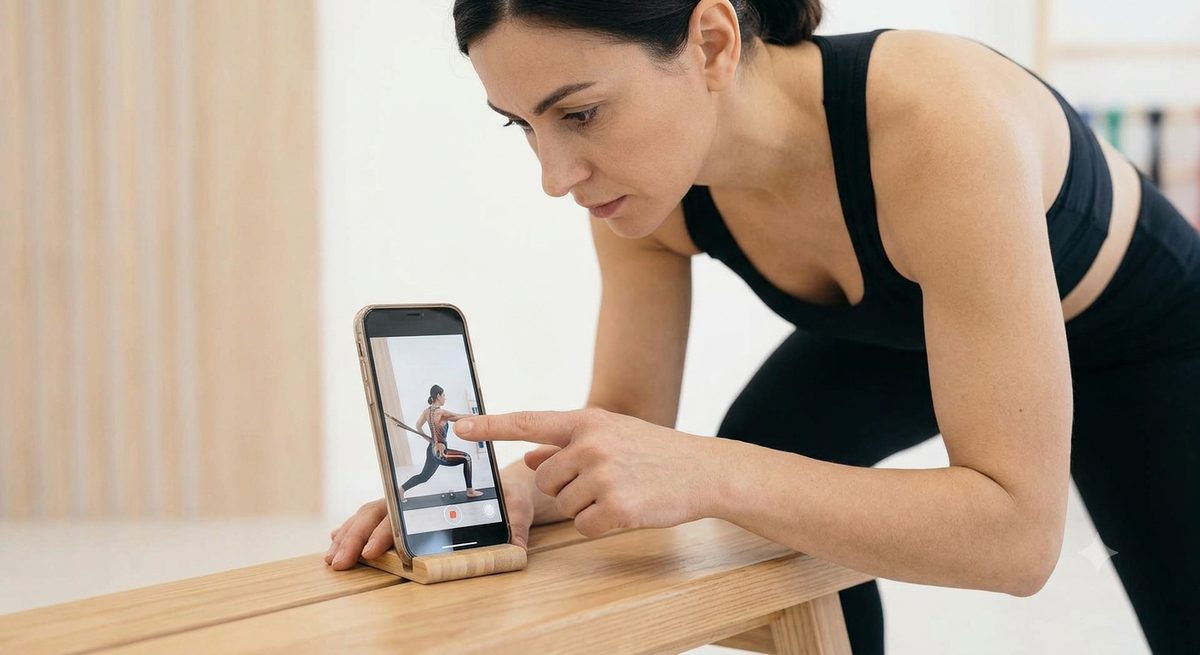
Hit record, move, type an observation when something clicks. Rate how it felt. Everything is timestamped and attached.

Distill & export

Pin key outcomes, watch the heatmaps shift, and download a briefing with your full history — plus every clip, named and dated.

No one knows your body better.
Prove it.

Free, offline, installable. Open it once — it lives on your home screen after that.

Open Mobility Log